HTML5 is the next major version of HTML. HTML5 provides some great new features for web designers who love to create readable code and semantically-meaningful layouts. HTML 5 introduces and enhances a wide range of features including: form controls, APIs, dragging and dropping, multimedia, drawing graphics on screen and a lot more.
The new specifications has added quite a few interesting and useful tags for structuring your markup.
In today’s post, we would like to showcase some of the best blogs and websites in the industry built with HTML5+CSS3. At the end of the post we would like you to check out detailed write-ups and tutorials that aims to demonstrate how we will be building websites when the specifications are finalized and the browser vendors have implemented them. Let’s get started marking up the blog page.
Showcase Of Beautiful Website built with HTML5+CSS3
- Full Frontal

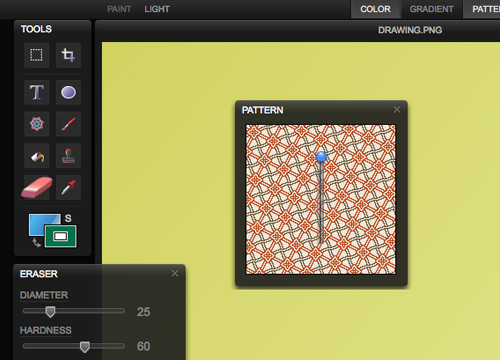
- Sketchpad
Sketchpad Is a No-Flash-Required HTML5 Painting App.
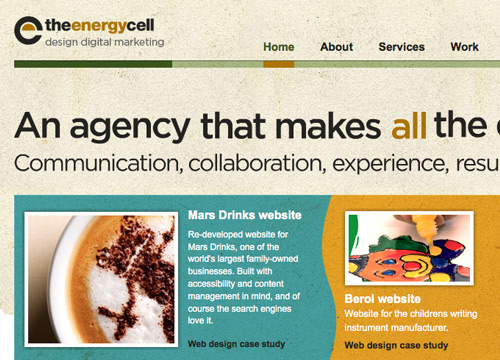
- EnergyCell
- Zoocha

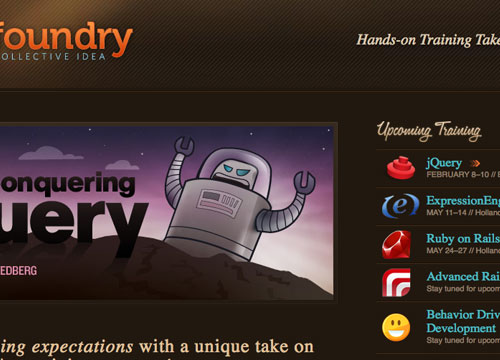
- Idea Foundry
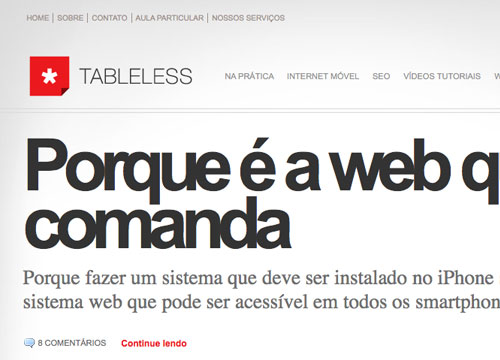
- Tableless
- Giovannitufo
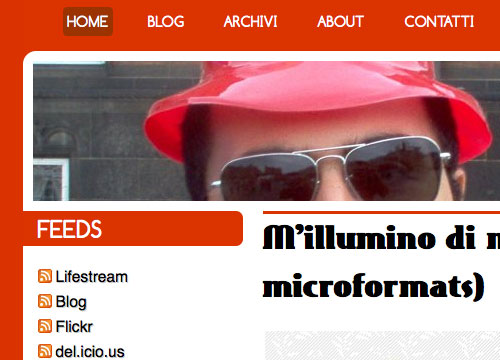
- DesignIntellection

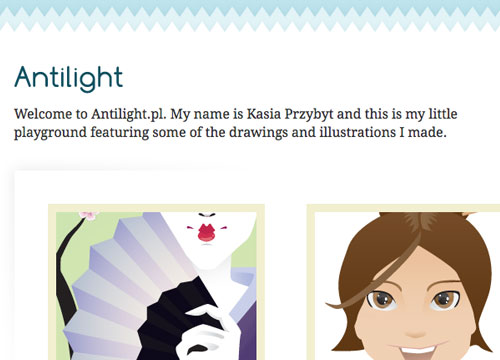
- Antilight
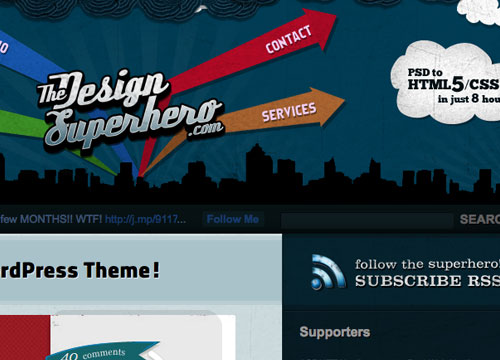
- TheDesignSuperhero
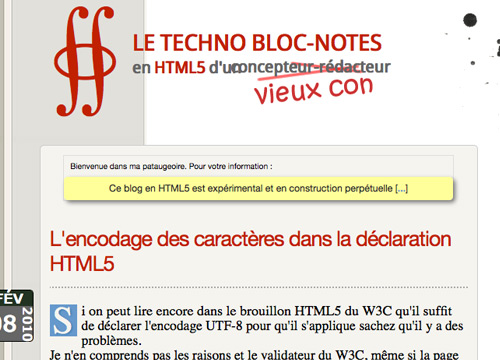
- On Air
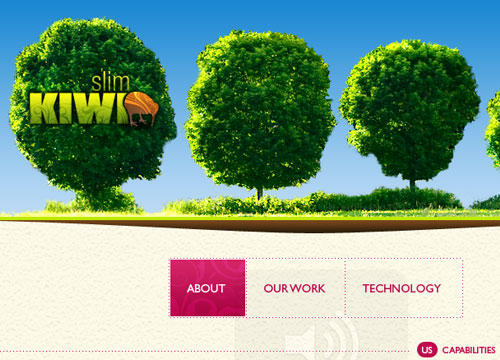
- SlimKiwi
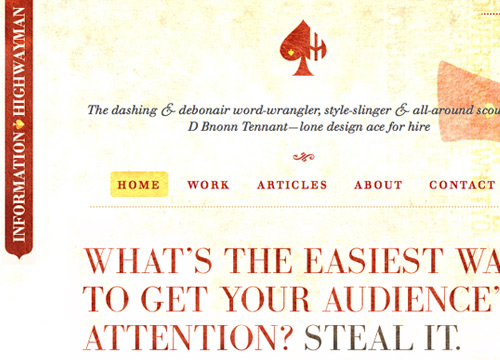
- Information Highwayman
Learning how to create elegant and working HTML5 Layouts
1. Have a Field Day with HTML5 Forms
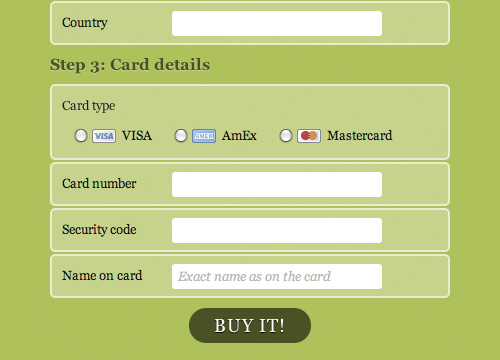
Here we’re going to take a look at how to style a beautiful HTML5 payment form using some advanced CSS and latest CSS3 techniques. Let’s have a look at the markup:
<form id=payment>
    <fieldset>
         <legend>Your details</legend>
         <ol>
                <li>
                     <label for=name>Name</label>
                     <input id=name name=name type=text placeholder="First and last name" required autofocus>
                </li>
2. Coding A HTML 5 Layout From Scratch

A very basic layout which covers most of the elements we can start coding using HTML5. Basically: the page’s name and it’s slogan, a menu, a highlighted (featured) area, a post listing, an extras section with some external links, an about box and finally a copyright statement. At the end of this tutorial you’ll learn how to:
- Use Graceful Degradation techniques and technologies to keep things in place for legacy browsers.
- Use Progressive Enhancement techniques and technologies to be up to date with the latest trends.
- Use HTML5 alongside a rising technology: Microformats.
- Have a clear vision of some of the most exciting new features HTML5 and CSS3 will bring.
<header id="banner" class="body">
	<h1><a href="#">Smashing HTML5! <strong>HTML5 in the year <del>2022</del> <ins>2009</ins></strong></a></h1>
	<nav><ul>
		<li class="active"><a href="#">home</a></li>
		<li><a href="#">portfolio</a></li>
		<li><a href="#">blog</a></li>
		<li><a href="#">contact</a></li>
	</ul></nav>
</header><!-- /#banner -->
Check out the demo here.
3. HTML 5 and CSS 3: The Techniques You’ll Soon Be Using

In this tutorial, we are going to learn how to build a blog page using next-generation techniques from HTML 5 and CSS 3. Pretty much your every day blog design. Header with title, horizontal navigation, content area with comments and form, sidebar and a footer.
Take a look at the markup:
<!doctype html>
<html>
<head>
	<title>Page title</title>
</head>
<body>
	<header>
		<h1>Page title</h1>
	</header>
	<nav>
		<!-- Navigation -->
	</nav>
	<section id="intro">
		<!-- Introduction -->
	</section>
	<section>
		<!-- Main content area -->
	</section>
	<aside>
		<!-- Sidebar -->
	</aside>
	<footer>
		<!-- Footer -->
	</footer>
</body>
</html>
Check out the demo here.
4. Structural tags in HTML5
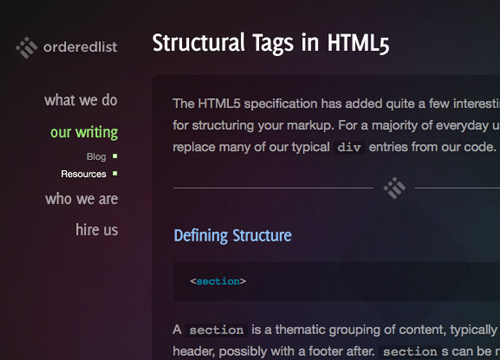
The HTML5 specification has added quite a few interesting and useful tags for structuring your markup. For a majority of everyday uses, these tags will replace many of our typical div entries from our code. So let’s take a look at how we would put together a typical blog page with our new structural tags.
<!DOCTYPE html>
<html>
  <head>
    <title>Standard Blog</title>
  </head>
  <body>
    <header>
      <h1><a href="#">Standard Blog</a></h1>
    </header>
    <nav>
      <ul>
        <li><a href="#">Home</a></li>
        <li><a href="#">Archives</a></li>
        <li><a href="#">About</a></li>
        <li><a href="#">Contact</a></li>
      </ul>
    </nav>
    <section>
      <article>
        <header>
          <h1><a href="#">Title</a></h1>
        </header>
        <section>
          <p>Lorem ipsum...</p>
        </section>
      </article>
Further Resources:
- - 70 Must-Have CSS3 and HTML5 Tutorials and Resources
- - Introduction to CSS3
- - Using CSS3
- - CSS3 Exciting Functions and Features: 30+ Useful Tutorials
- - Yes, You Can Use HTML 5 Today!
- - Thinking About HTML 5 canvas Accessibility
- - HTML5 Gallery
- - HTML5 Gallery
designfloat.com
Feb 15, 2025 @ 06:59:36
Designing for the Future with HTML5+CSS3 : Tutorials and Best Practices | DevSnippets…
In today’s post, we would like to showcase some of the best blogs and websites in the industry built with HTML5+CSS3. At the end of the post we would like you to check out detailed write-ups and tutorials that aims to demonstrate how we will be buildin…
Feb 15, 2025 @ 07:10:16
I seem to only use the HTML5 doctype at the moment. Maybe I’ll create my new site in HTML5/CSS3, we shall see.
Feb 15, 2025 @ 08:28:01
Another great site using HTML5 and CSS3 : http://www.goetter.fr
Feb 15, 2025 @ 10:40:19
really helping article using HTML5 and CSS3.
Feb 15, 2025 @ 13:37:13
Perfect collection! Thanks
MartinGehrke.com » HTML5 & CSS3, and PING
Feb 15, 2025 @ 13:54:56
[...] Designing for the Future with HTML5+CSS3 : Tutorials and Best Practices [...]
Feb 15, 2025 @ 21:03:34
Really ,
very helpfull tutorials
Thanks alot
Feb 16, 2025 @ 07:32:02
Very nice collection, I think it is going to be awhile before HTML5 is widely accepted since so many people use IE still!
Feb 16, 2025 @ 08:41:09
Thanks for this roundup. More and more web developers start using HTML5.
CSS Brigit | Designing for the Future with HTML5+CSS3 : Tutorials and Best Practices
Feb 16, 2025 @ 09:53:37
Designing for the Future with HTML5+CSS3 : Tutorials and Best Practices…
In todays post, we would like to showcase some of the best blogs and websites in the industry built with HTML5+CSS3….
Feb 16, 2025 @ 13:19:45
Can’t believe you missed http://52framework.com built on html5 and css3 framework… if you want to build websites in html5 and css3 check it out its a pretty awesome framework.
Feb 16, 2025 @ 13:45:21
We didn’t miss it, we are including it in an upcoming post next week so much related to the post’s subject
Feb 16, 2025 @ 22:24:23
nice ressource, thanks!
Feb 17, 2025 @ 16:00:41
As for now, there’s little css3 designing for the future that can be done. It’s mostly vendor-specific prefixes, imperfect implementations and fuzzy specs.
Let’s all pray all this “testing” has little to do with the actual future of css.
Feb 18, 2025 @ 11:32:55
Hey! Thanks a lot for the link.
Sorry if I disappoint you: I just changed my template.
There were some issues with Safari.
I explain why here:
http://on-air.hiseo.fr/fatras/le-nouveau-gabarit-html5-css3/
and how I’ve done the brand new one.
Feb 18, 2025 @ 13:18:33
informative article
Feb 19, 2025 @ 20:11:12
Brilliant resource for both topics here - looking more and more into these new tools for an upcoming project and this really helped my thoughts process around it. Thanks!
pligg.com
Feb 23, 2025 @ 06:09:57
Designing for the Future with HTML5+CSS3 : Tutorials and Best Practices | DevSnippets…
HTML5 is the next major version of HTML. HTML5 provides some great new features for web designers who love to create readable code and semantically-meaningful…
Mar 14, 2025 @ 20:43:35
Great list of site to preview. Can’t wait until all the browsers support this.
Designing for the Future with HTML5+CSS3 : Tutorials and Best Practices | DevSnippets | [codepotato]
Mar 16, 2025 @ 01:52:14
[...] Designing for the Future with HTML5+CSS3 : Tutorials and Best Practices | DevSnippets Posted March 16th, 2010 in Blog by Gareth http://devsnippets.com/article/designing-with-html5-css3.html [...]
Sitio recomendado con contenidos para desarrollo web « El blog de Martini
Mar 21, 2025 @ 13:54:07
[...] tips, etc. sobre desarrollo y diseño web. Destacan los artículos que tocan tópicos referentes HTML 5 y CSS 3, animaciones Javascript y AJAX, diseño y otras utilidades para aquellos que diseñan o [...]
Mar 21, 2025 @ 18:48:13
HTML5 is truly a better structure then what’s being used today. It’s just makes more sense. I can’t wait until all browsers catch up with it. And by all browser I mean Internet Explorer.
Designing for the Future with HTML5+CSS3 : Tutorials and Best Practices | Fixzero
Apr 09, 2025 @ 14:30:27
[...] more here: Designing for the Future with HTML5+CSS3 : Tutorials and Best Practices Share HTML and CSS css3, design, html5, Tutorials What’s Changed in jQuery UI 1.8 [...]
Free I Share » Blog Archive » HTML5新增标签
Apr 13, 2025 @ 23:10:02
[...] http://dev.w3.org/html5/spec/Overview.html http://devsnippets.com/article/designing-with-html5-css3.html [...]
30个HTML5学习资源 | PSD转HTML5
Feb 21, 2025 @ 18:34:31
[...] Designing for the Future with HTML5 and CSS3 : Tutorials and Best Practices(为未来设计:HTML…这篇文章将介绍用 HTML5和CSS3搭建的几个最佳站点。 [...]
HTML5基础知识普及 - 丁晓峰的博客
Mar 06, 2025 @ 03:36:29
[...] Designing for the Future with HTML5 and CSS3 : Tutorials and Best Practices(为未来设计:HTML… 这篇文章将介绍用 HTML5和CSS3搭建的几个最佳站点。 [...]
HTML5基础知识普及 - 丁晓峰‘BLOG’
Mar 06, 2025 @ 06:35:42
[...] Designing for the Future with HTML5 and CSS3 : Tutorials and Best Practices(为未来设计:HTML… 这篇文章将介绍用 HTML5和CSS3搭建的几个最佳站点。 [...]
给网页设计师的30个HTML5学习资源 | 异次元花园
Apr 26, 2025 @ 01:10:40
[...] Designing for the Future with HTML5 and CSS3 : Tutorials and Best Practices(为未来设计:HTML…这篇文章将介绍用 HTML5和CSS3搭建的几个最佳站点。 [...]
网站开发人员30个HTML5学习资源 « i在云端
May 08, 2025 @ 22:33:12
[...] Designing for the Future with HTML5 and CSS3 : Tutorials and Best Practices(为未来设计:HTML…这篇文章将介绍用 HTML5和CSS3搭建的几个最佳站点。 [...]
The Future of Web: HTML5 and CSS3 - Irmaweb | Reliable Hosting Solution
Jun 16, 2025 @ 22:07:40
[...] 2. Designing for the Future with HTML5+CSS3 : Tutorials and Best Practices [...]
给网页设计师的30个HTML5学习资源 | 南龙的小站
Jul 07, 2025 @ 00:50:37
[...] Designing for the Future with HTML5 and CSS3 : Tutorials and Best Practices(为未来设计:HTML… 这篇文章将介绍用 HTML5和CSS3搭建的几个最佳站点。 [...]
给网页设计师的30个HTML5学习资源 | 南龙的小站
Jul 07, 2025 @ 01:21:51
[...] Designing for the Future with HTML5 and CSS3 : Tutorials and Best Practices(为未来设计:HTML…这篇文章将介绍用 HTML5和CSS3搭建的几个最佳站点。 [...]
30个资源帮你学习html5 | 南龙的小站
Jul 07, 2025 @ 01:22:08
[...] Designing for the Future with HTML5 and CSS3 : Tutorials and Best Practices(为未来设计:HTML…这篇文章将介绍用 HTML5和CSS3搭建的几个最佳站点。 [...]
HTML5书籍:给网页设计师的30个HTML5学习资源 | 移动开发网
Jul 07, 2025 @ 18:27:47
[...] Designing for the Future with HTML5 and CSS3 : Tutorials and Best Practices(为未来设计:HTML…这篇文章将介绍用 HTML5和CSS3搭建的几个最佳站点。 Design and Code a Cool iPhone [...]
给网页设计师的30个HTML5学习资源 | S9Tech
Sep 21, 2024 @ 05:35:31
[...] Designing for the Future with HTML5 and CSS3 : Tutorials and Best Practices(为未来设计:HTML…这篇文章将介绍用HTML5和CSS3搭建的几个最佳站点。 [...]